Translate

New an amazing!!!

ON1 Photo RAW 2019.5 – $49.99!
Showing posts with label Cut Out Filter. Show all posts

Monday, May 19, 2014

Photoshop Cutout Filter Project and Examples

Final image, higher resolution

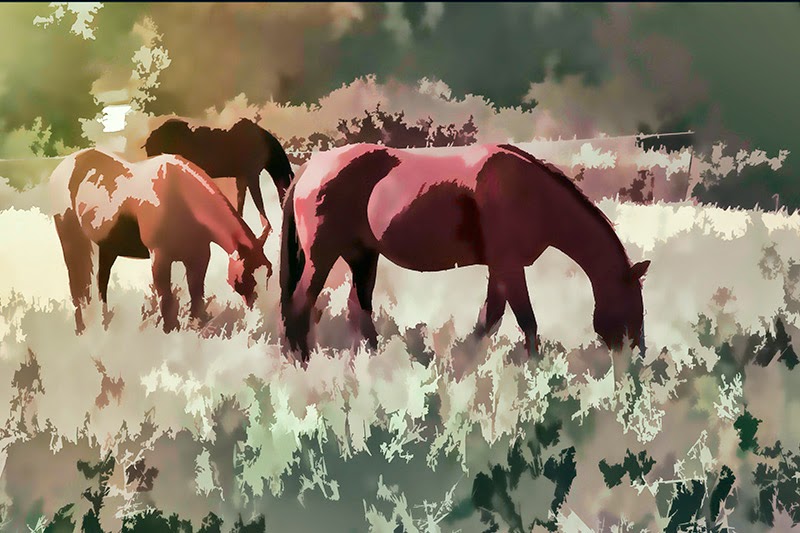
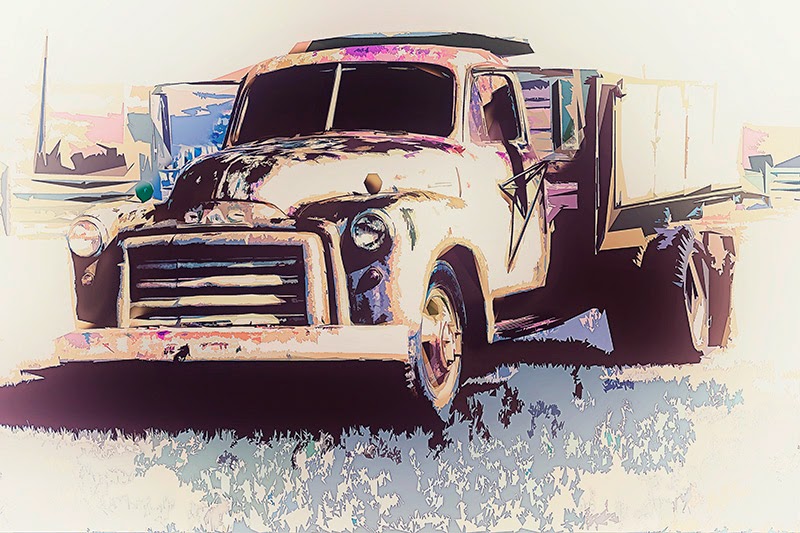
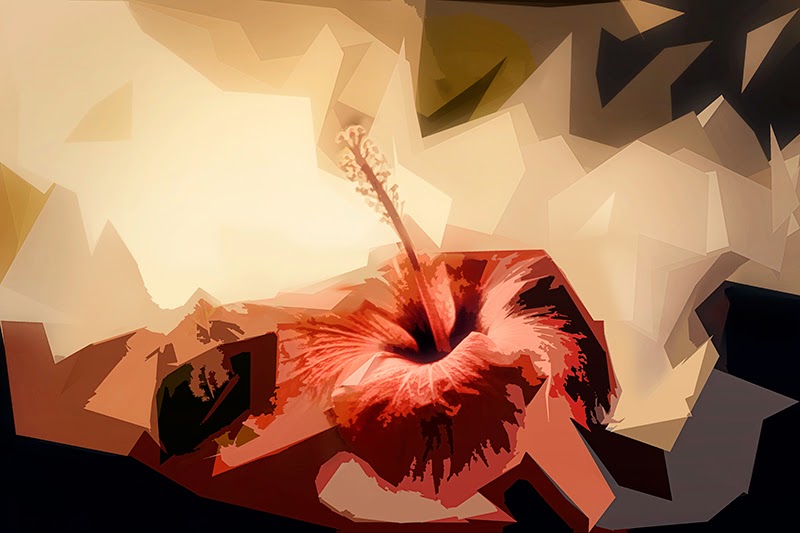
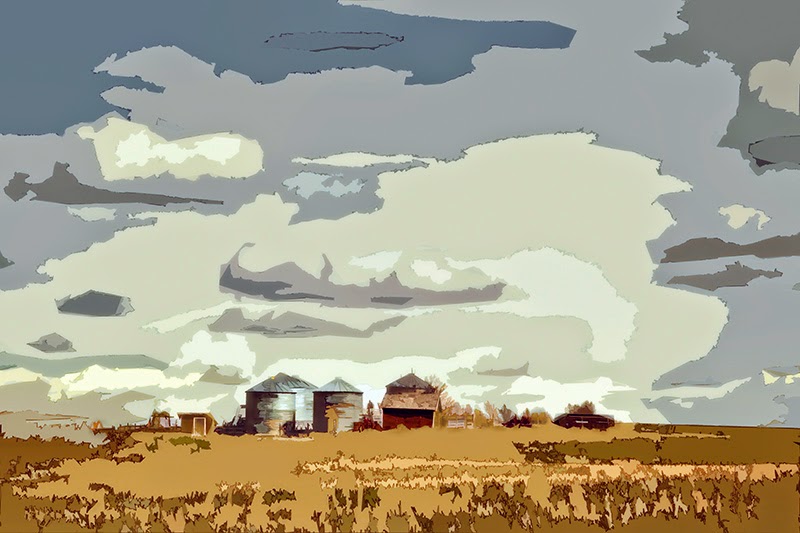
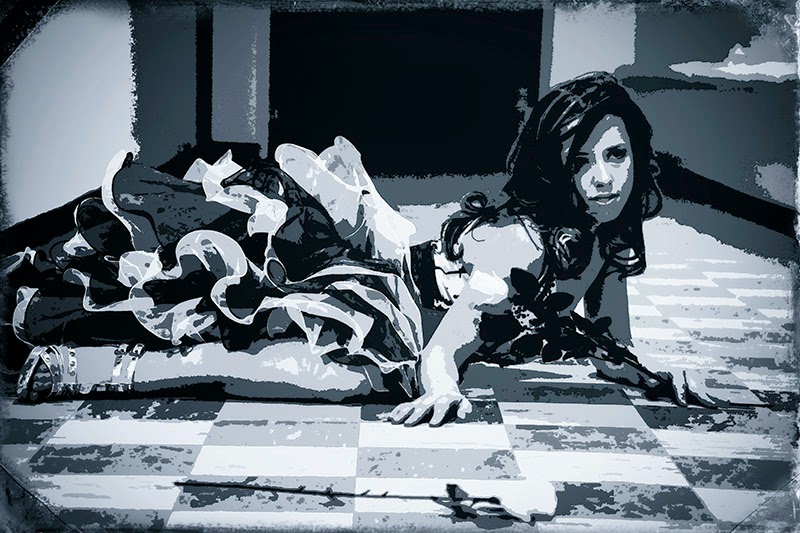
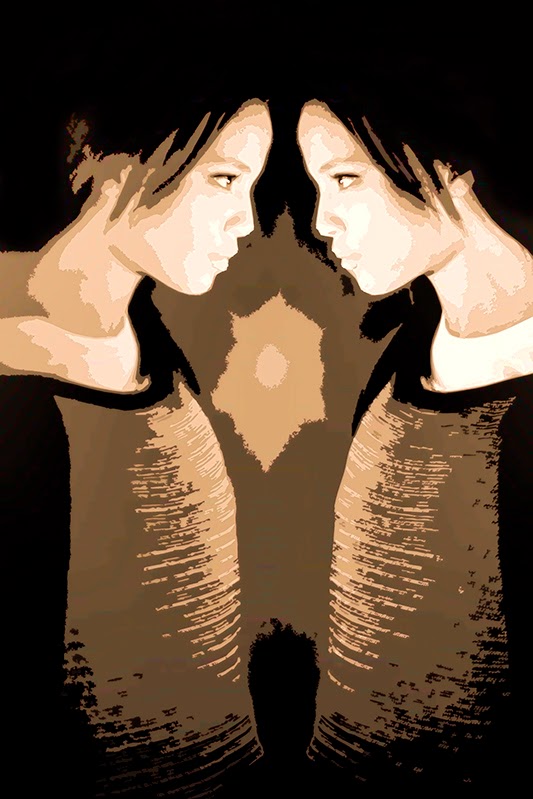
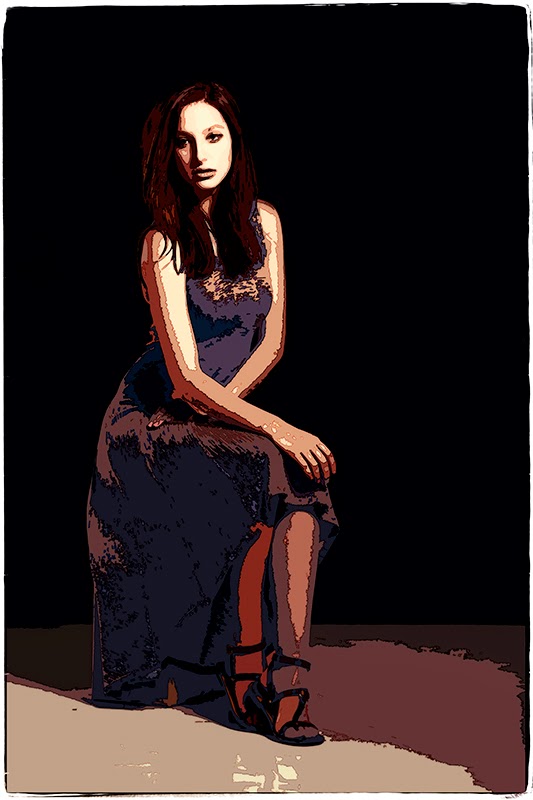
 I used Photoshop cutout filter for that Vancouver Harbor View project, it’s a fun filter and can be used for all kind of effects and subjects, all images are low resolution like all my post images, except for the final image of that project.

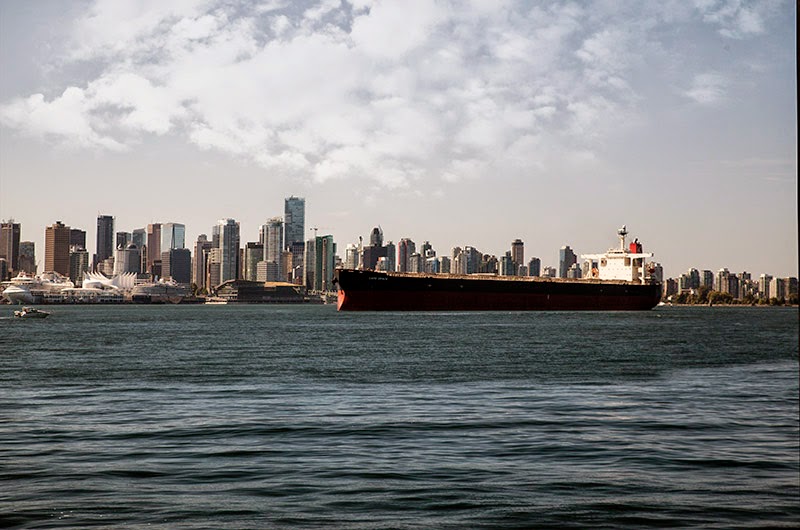
To do this project, I open my image, duplicate the layer, and used cutout, 

Original Image


  • first pass number of level 6, edge simplicity 5, edge fidelity 1.   


  • Duplicate layer, back to second cutout pass, this time number of level 8, simplicity 7, fidelity 0.

I used a layer mask to keep some of my first cutout pass and original image.


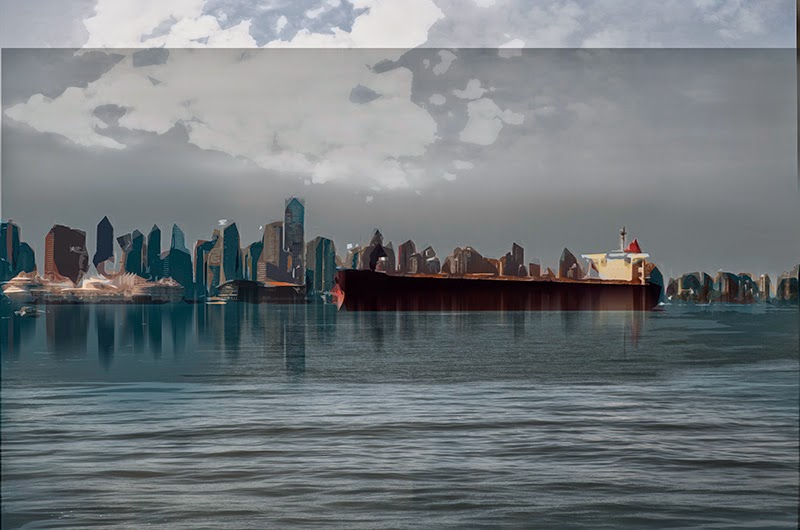
To add to this image I needed water reflection, to do so, I duplicate my layer, add a bit of motion blur, when to edit free transform flip vertical, move tool to place the building reflection where I wanted them, add a layer mask hide all, and paint over to reveal the reflection. 

Using move tool to adjust my reflection


  •  Duplicate layer, add motion blur for the water, layer mask hide all, reveal the lower portion of the water.


Adding motion blur to the water

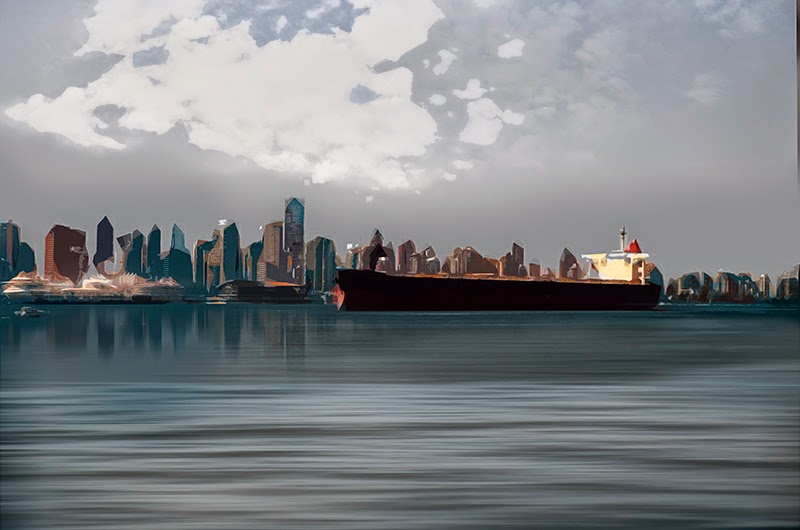
Final image, change hue/saturation, and added warm tone

 To finish it I plaid with the color, hue/saturation, and warm tone.

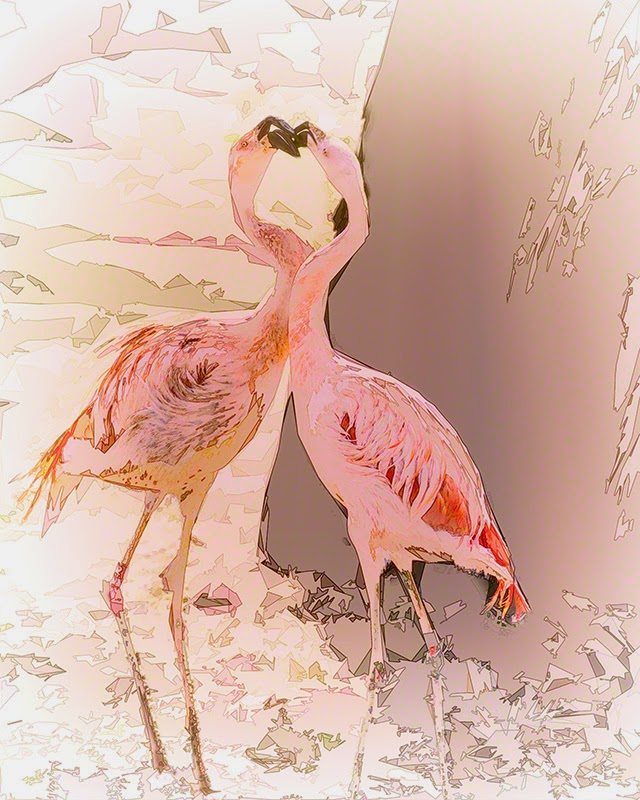
To add details when using cut out filter, after doing the cutout pass, duplicate layer, go to filter stylize “find edges” blend mode “ divide, soft light, overlay, linear burn, multiply, and  darken, depending on the result to achieved. 

Using Cutout and Find Edges

Cutout 3 Passes

Cutout and Find Edges

Cutout and Painting

Cutout 3 passes

Cutout and Find Edges

Cutout and Find Edges

Cutout and Find Edges

Cutout and Find Edges


To get Perfect Effect 4 for Free click on the link on the right of the page

Monday, April 14, 2014

One Image Transformation Options


I took that image during a trip to Argentina in 2011, I have a fascination for trees, I was attracted by the branches, feel really like looking at the lungs of our planet. I have a lot of respect for trees, they help the planet breathe by turning carbon dioxide into clean, pure, oxygen, we are lost without them.
They also keep our planet cool, and help stop the global warming, and add beauty to our landscape.
I took that image with my Lensbaby and a double glass optic, the reason why I use that lens was to focus on the delicate branches I wanted everything else out of focus.
I put the file away when I came back from the trip, I knew what I wanted to do with it, but I was not sure how too.  A year later I decided to try, I think if I remembered correctly the first 10 or 12 attempts were unsuccessful.
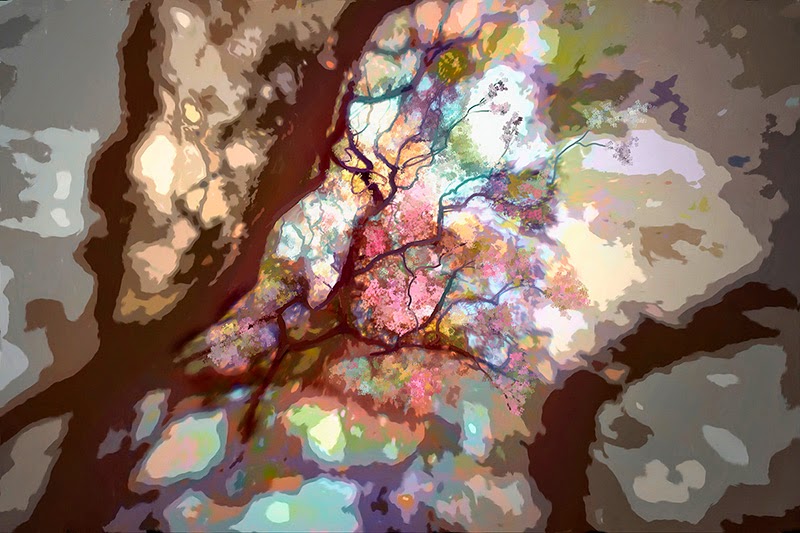
My first successful attempt took me a few weeks, using Photoshop Cut Out Filter, and Corel Painter I was able to do a mix of cut out and painting.
My second attempt took me a long time, few months, using only Corel Painter and all the different brushes, a lot of redo’s, took time to get exactly what I was looking for.
When I look at the two images, I cannot say which one I like better, and I don’t want to make a choice, they are both a representation of my vision, a vision that was inspired by beautiful and   majestic trees.


This was my first successful attempt, you can see the cut out filter effect for most of the image except for the middle part where I used Corel Painter to add the flowers and to define some of the branches. I used selective color and hue/saturation to get the final color.


This is my second successful attempt, so much work, that's probably the reason I like it so much, or maybe it's because it was a intense extraction of my vision, and a expression of my feeling. Took me few months, but it was a relaxing time listening to great music, and drinking wine. It's not for every taste, but it is a great representation of what I really wanted to achieve, and that's what is important, this kind of work is done first to please the artist, in that case me, and it's the same for everyone of us, doesn't really matter, if only we and few others like the result, if we are happy with it, that's what matter.

To get Perfect Effect 4 for Free click on the link on the right of the page

Wednesday, March 19, 2014

My Vision "Montreal Quebec"

Inviting Stairs, Montreal, I used Corel Painter 12, The Best Digital Painting Software


" Montreal" my birth city, I called Montreal home for the first 20 years of my life .  I lived in the east side of the island, Montreal is an island, surrounding by rivers,  I lived close to the St-Lawrence River, in a French Neighborhood, with a distinct architecture, single houses, and many old duplexes and triplexes with their balconies and set of stairs, not a rich neighborhood  money wise, but life there was great, a lot of friends, many house parties, small corner stores, and greasy homey French fries and sugar pies snack bars  were all the teens used to meet every evening, after a hockey game at the local arena or baseball at the local park during summer.

 Our local teams were not very good, but they were part of our friends, so many great memories, this was a rich life, full of sharing, chatting, listening to music, hanging out, no internet, no video game, just us, a great time. I am very nostalgic when I think about that far away life, I was lucky, real lucky.

I when back to my old neighborhood, and visit places that bring many great memories "the river bank, the Mount Royal, downtown surrounding, Prince Arthur Street, I wanted to use different digital media to express my vision, using Corel Painter 12, Photoshop Cut Out Filters " Number of Level 6, Edge Simplicity 6, Edge Fidelity 2", onOne Perfect black and white 8 and onOne Perfect effect.

To get Perfect Effect 4 for Free click on the link on the right of the page


Montreal Duplexes, Again I used Corel Painter 12, you can download a free trial for the new Painter X3!

Montreal Duplexes, Again I used Corel Painter 12, you can download a free trial for the new Painter X3!
 Canon 5D Markii, 70-200 at 135mm, f3.2, 1/100sec, ISO 200, Black and White Using onOne Perfect BW 8

St-Lawrence River  Canon 5D Markii,24-105 at 24mm, f16, 1/100sec, ISO 200, Black and White Using onOne Perfect BW 8

St-Lawrence River  Canon 5D Markii,70-200 at 70mm, f14, 1/200sec, ISO 640, Software onOne Perfect Effect

  Canon 5D Markii,24-105 at 105mm, f5.6, 1/80sec, ISO200, Software onOne Perfect Effect


 Around Prince Arthur Street, Canon 5D Markii,70-200 at 95mm, f3.5, 1/100sec, ISO 200,Photoshop Cut Out Filter


  Around Prince Arthur Street, Canon 5D Markii,70-200 at 115mm, f2.8, 1/50sec, ISO 200,Photoshop Cut Out Filter

 Downtown View From the Mount Royal, Canon 5D Markii,24-105 at 73mm, f9.9, 1/80sec, ISO 200,Photoshop Cut Out Filter